Stock Movement Log
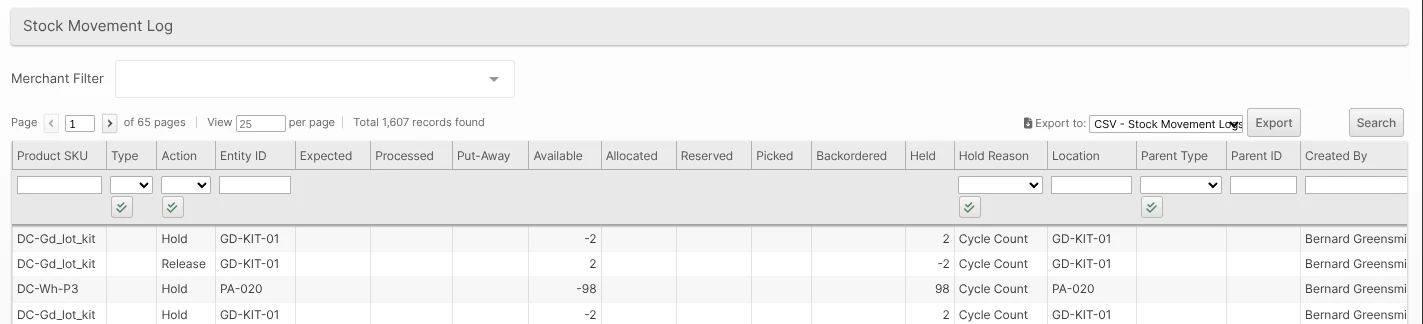
Navigating to Operations > Stock Movement Log will take the user to a Grid View showing data related to physical movement of products in their allocated location and the date the item was moved.
The numbers in the Expected, Processed, Put-Away, Available, Allocated, Reserved, Picked, Held, and Backordered columns are quantities of the product that have changed. The Held column captures movements driven by Inventory Holds: a hold action shifts qty from Unreserved to Held, and a release action returns it to Unreserved. Each row is also tagged with the Hold Reason that triggered it, so you can filter the log by reason — for example, to audit every cycle-count or recall hold placed in the last week.
Movements from inventory adjustments (cycle counts, manual corrections, and API-driven changes) are tagged with the structured Adjustment Reason chosen when the adjustment was made — Cycle Count Variance, Found / Located, Damaged, Shrinkage, and so on. Like the Hold Reason column, the Adjustment Reason column is filterable, so you can review every adjustment of a given type. Movements that are not adjustments, and historical adjustments recorded before this feature, leave the column blank.