

Enumerations
As there are many data fields in ShipStream and these sometimes must be referenced in imports, scripts or by integrations, we provide one place to reference all of the allowed values at System > Enumerations.
inventory.holdReasons returns the same list with the Reason's code, label, and display_group for direct programmatic use.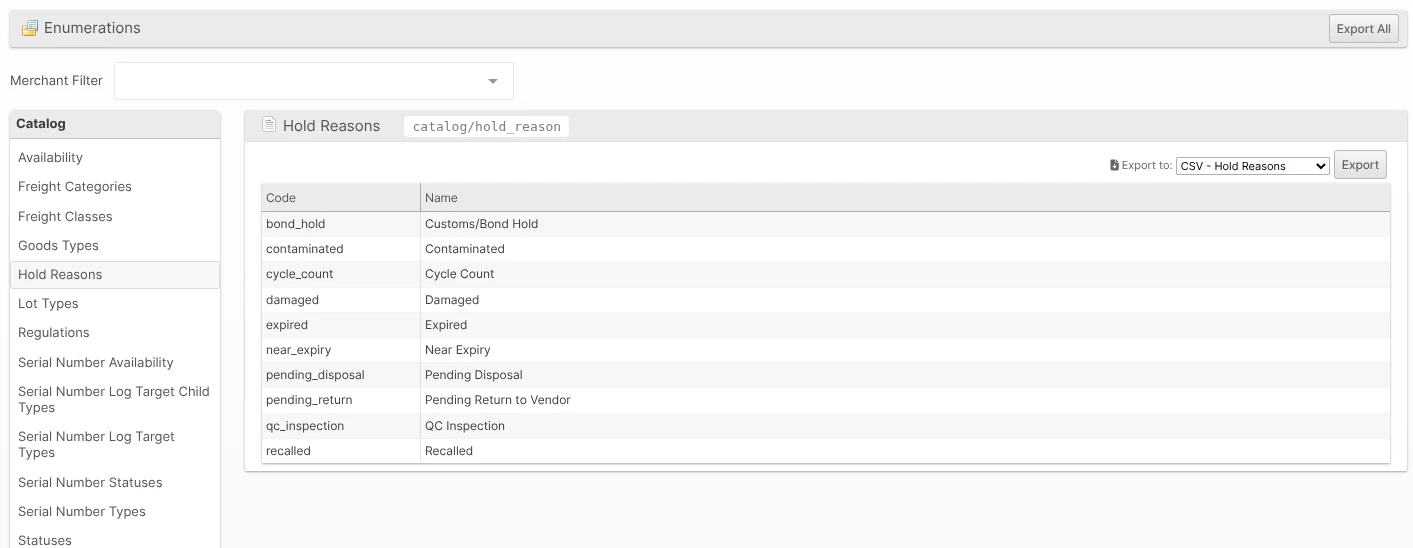
Finding Enumerations
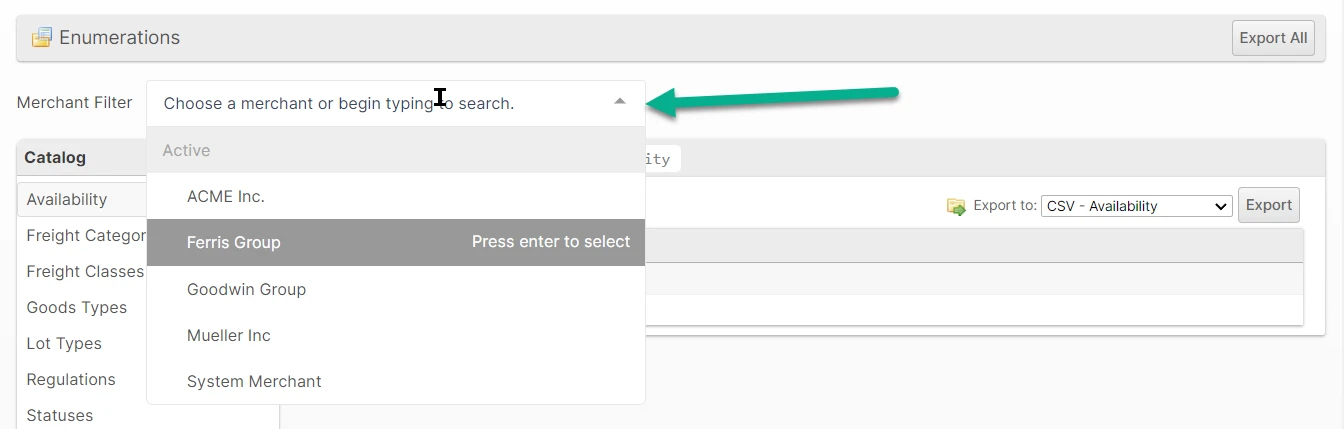
Navigate to System > Enumerations. The values that are allowed in many cases can vary by merchant, so be sure to select the appropriate merchant in the Merchant Filter.
Categories
The left sidebar contains the full list of enumeration categories. For example, clicking Locale > Countries (green arrow) lists all of the countries with the Codes and Names.
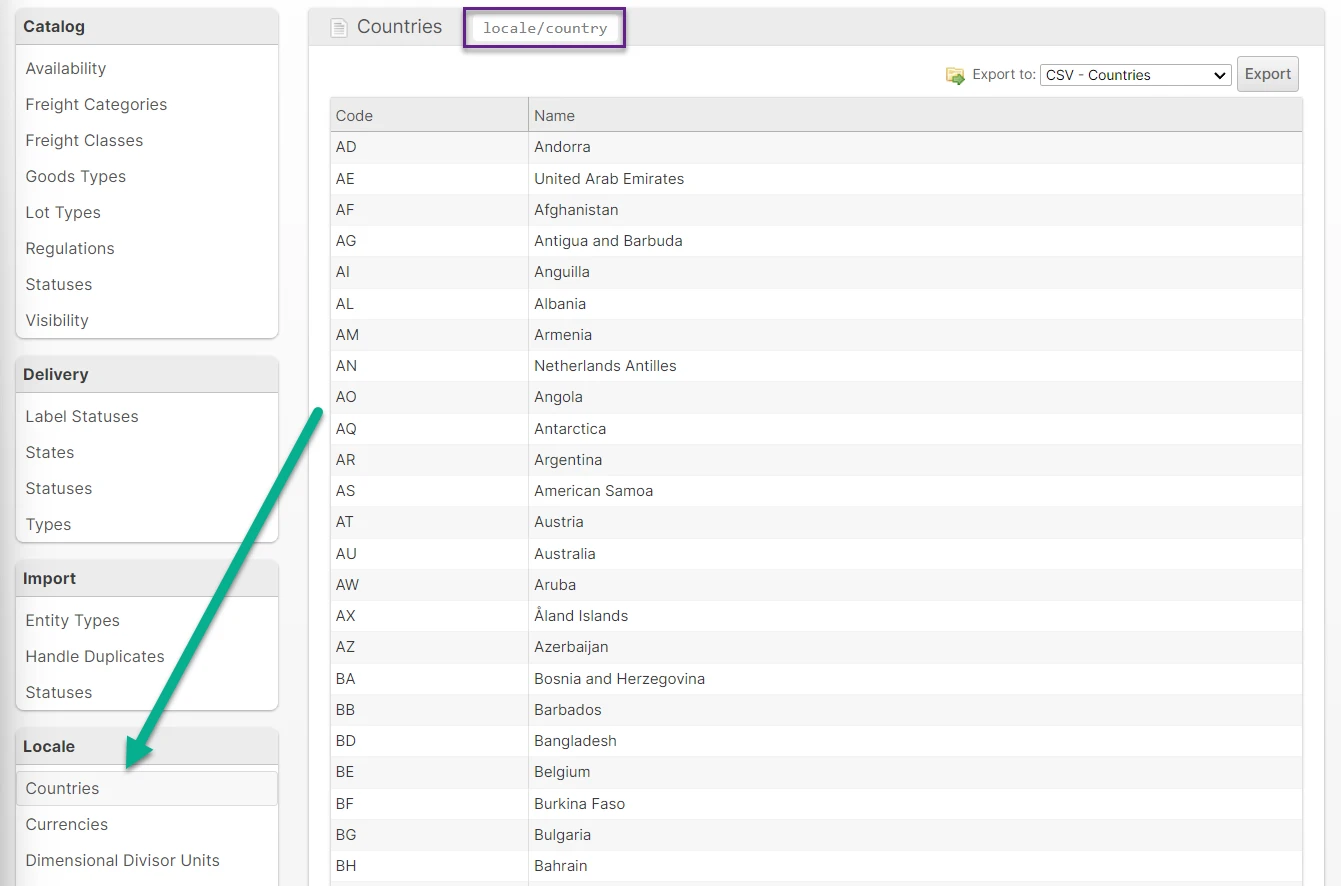
You will notice that each category itself has a "code" (indicated by the purple square above) that can be used in the Enumerations API to fetch the values and labels programmatically.
Details
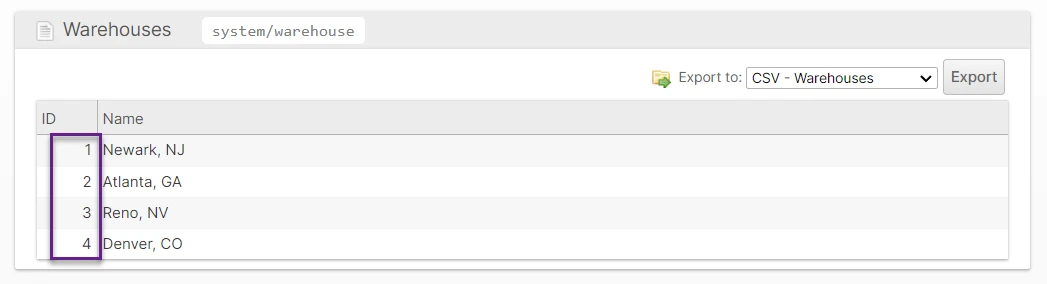
Each Enumeration has two columns. The first column is either the Code or the ID. The second is the Name or Description.
Export
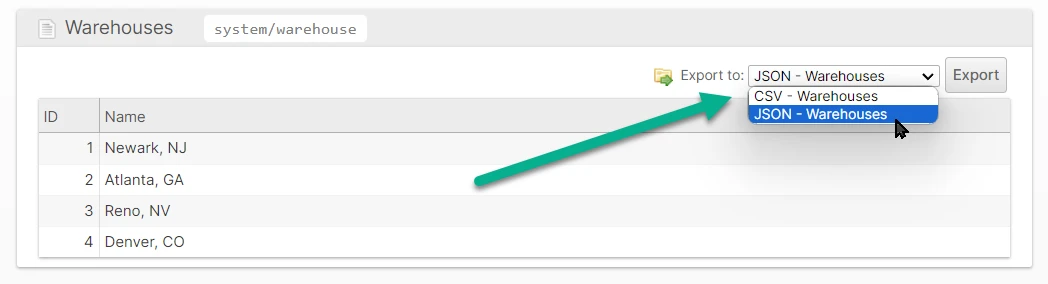
Click the Export button to download a file listing all of the values. The CSV format is easy to consume with Excel while the JSON format is preferred by most programmers.
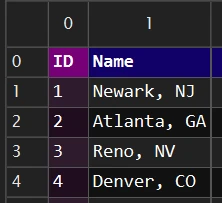
CSV Format
This format looks just like the table you see in the UI.
JSON Format
This is a single JSON array of objects with each object having two keys depending on the enumeration.
[{"id":1,"name":"Newark, NJ"},{"id":2,"name":"Atlanta, GA"},{"id":3,"name":"Reno, NV"},{"id":4,"name":"Denver, CO"}]