

Version 2024.3 part 2
Per-Item SSCCs
A Serial Shipping Container Code is a unique number that identifies a "logistic unit". Often, this is an outer "pack" such as a pallet or box which contains multiple items. However, it can also be applied to every individual "item" on an order and some trading partners may require shipping labels to be applied as such.
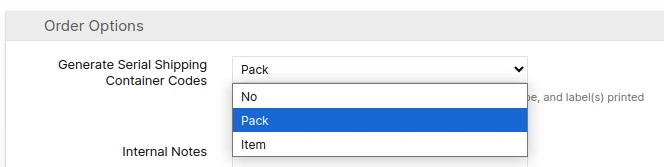
This update to the Outbound SSCC Barcodes feature changes the "Generate Serial Shipping Container Codes" option from a Yes/No to No, Pack or Item so that both scenarios can be supported without workarounds. The Pack option is equivalent to the old "Yes," and the Item option brings new functionality.
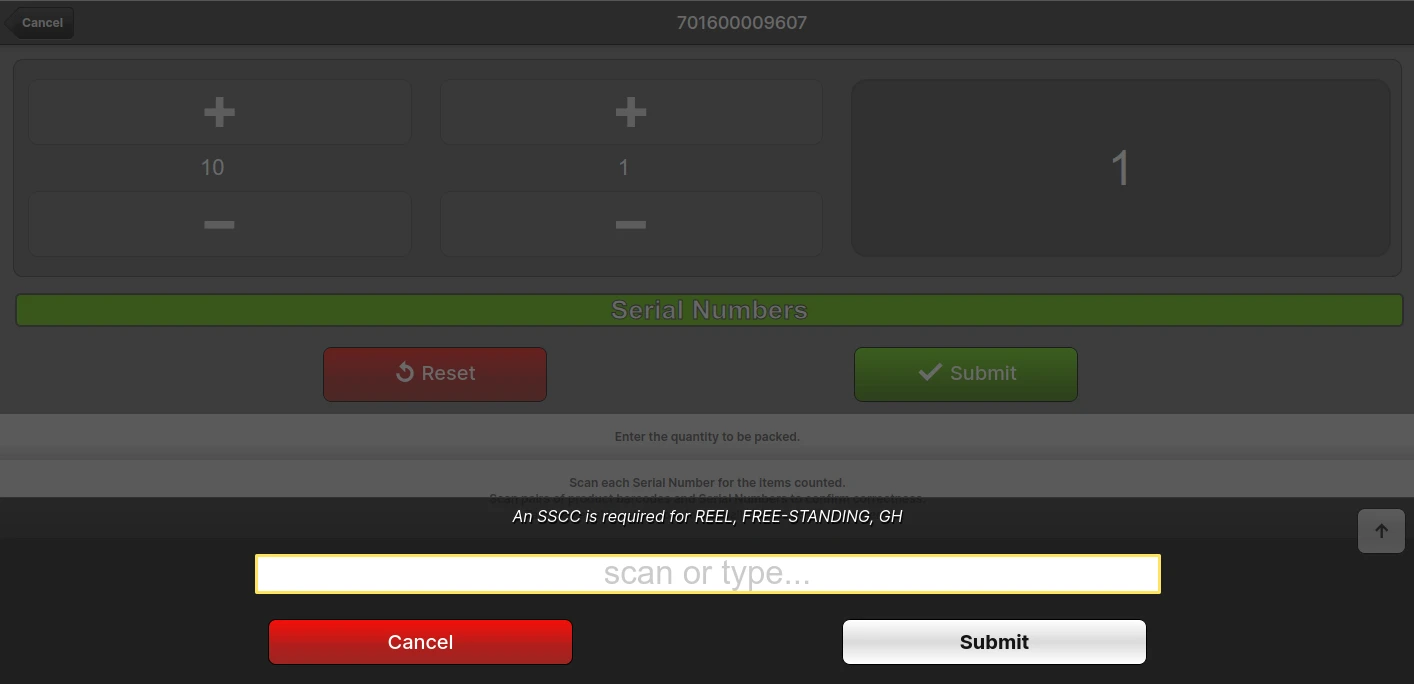
When packing shipments requiring Item SSCCs in the Packing UI, the packer will be required to scan each SSCC so that the association between SSCC and package/pallet is recorded correctly.
This feature also enables the SPS Commerce integration to generate detailed and accurate ASNs containing the item-level SSCCs when required by the vendor.
New Add Tracking Numbers Dialog
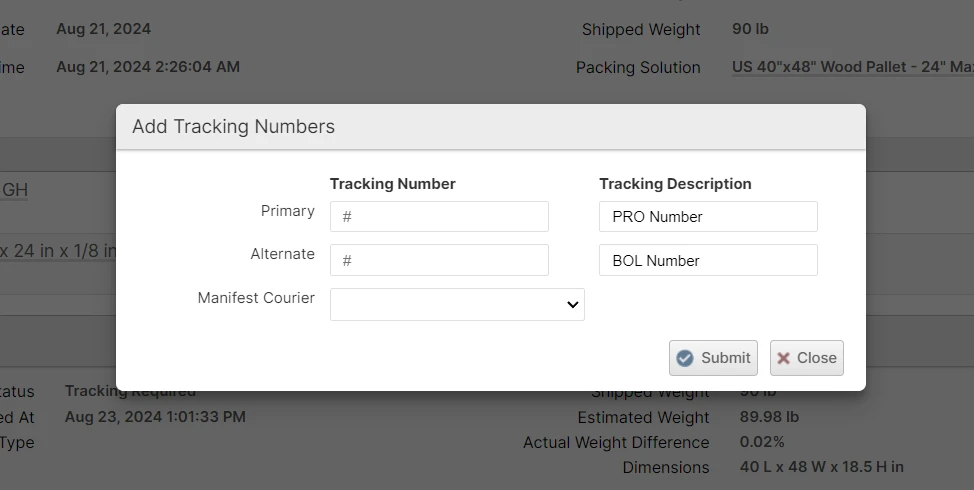
The new Add Tracking Numbers dialog improves the user experience and flexibility by allowing one to add either the primary or the alternate or both tracking numbers in one step. Additionally, you can now select the Manifest Courier after the shipment is packed in case it wasn't set during packing.
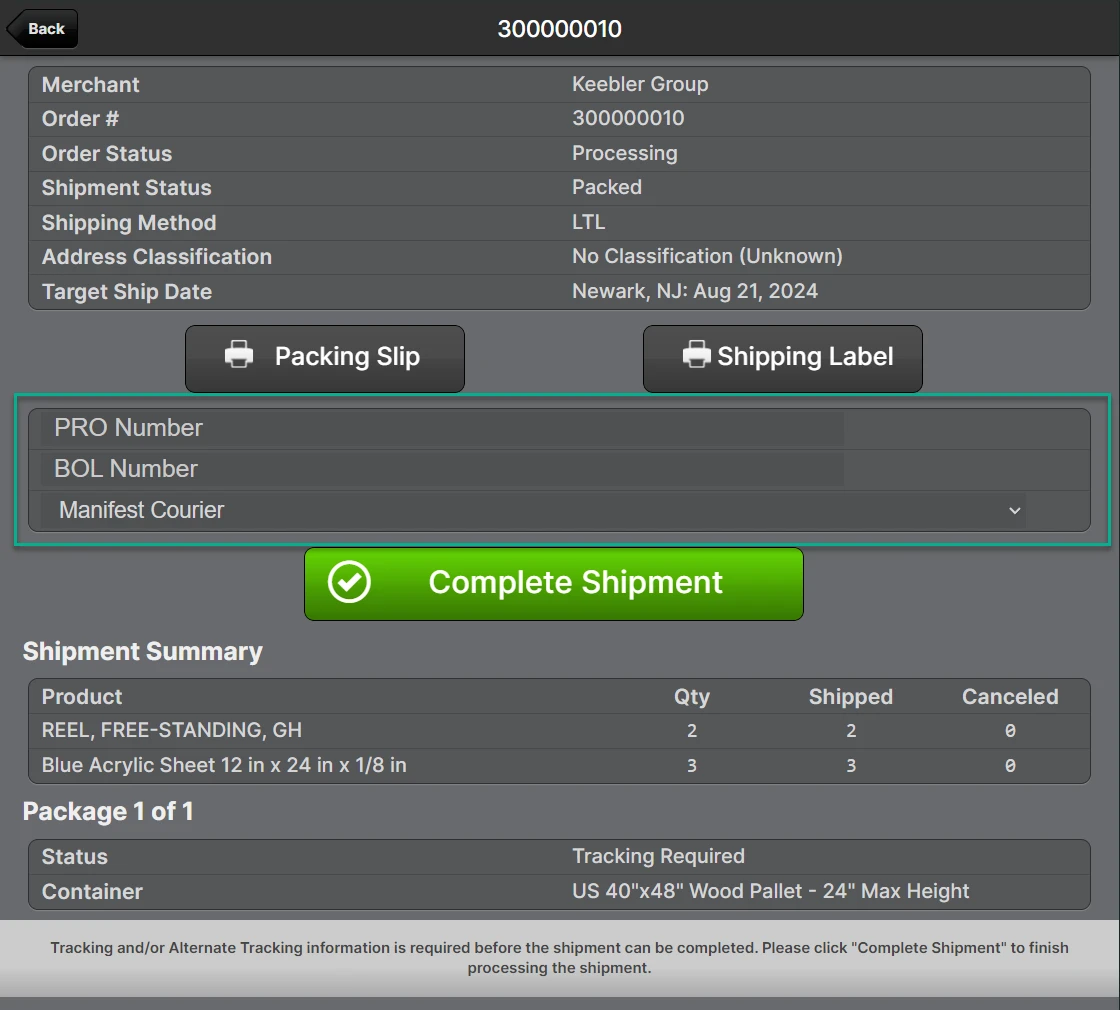
The Scanner UI was updated to display the contextual tracking descriptions and allow the Manifest Courier to be selected for parity with the Admin UI.
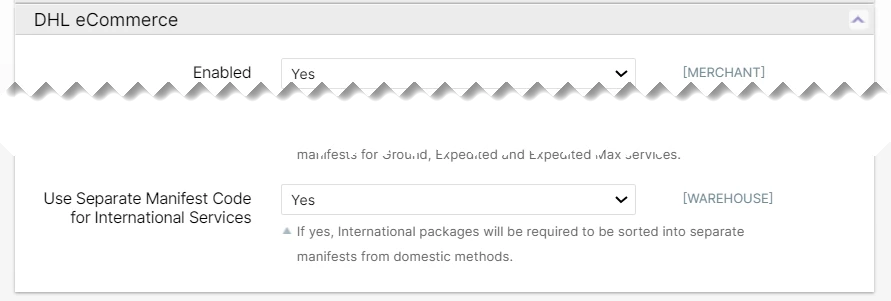
New Manifest Courier for DHL eCommerce
We've added a separate manifest courier for international DHL eCommerce services so that these packages can be routed to separate manifests if required by your DHL driver.
Other Improvements
- eHub customs data field
eel_pfcusing the value from theorder.options.other_shipping_options.export_compliancefield. Allow eitherftr_exemptionoraes_itnbut throw an error if more than one is provided. FTR Exemption is the same as EEL and AES ITN is the same as PFC.
Backported Improvements
- Fix bug when importing more than 50 items.*