

My Account
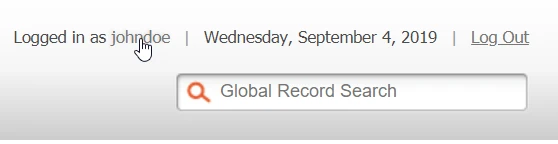
To change your account settings, click on your username in the top right of the window.
Account Information
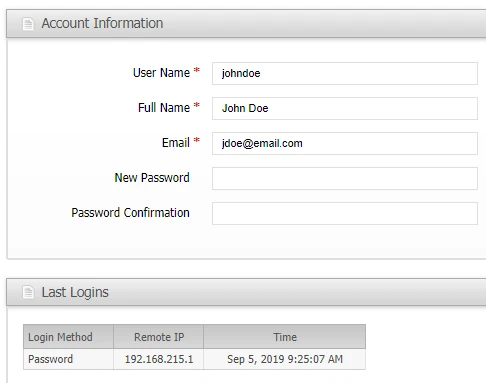
User Name
This should be used only for logging in, not the user's full name. It will not be displayed to anyone within ShipStream.
Full Name
The user's first and last name separated by a space. This is used on some Grid Views and Reports.
This email address is used for password retrieval and notifications.The admin can select a user to receive notifications for various delivery processes in System > Configuration then one of these tabs: ASNs, RMAs, Cancellations, or **Other Deliveries.**Once the Default Contact has been selected the email address specified in Account Information will be used for this notification.
New Password
Set a new password in this field, and then confirm it on the next field to reset your password.
Last Logins
This pane displays a log of all access methods and IP addresses from the admin account. This is helpful in keeping track of who has logged in as an administrator, and from where, in-order to keep the account more secure.
Social Identities
If Social Login is enabled, this pane lists the Google or Microsoft accounts linked to your ShipStream account. Each row shows the Provider, the Provider Email, and the date the identity was first linked. Click Unlink to remove an identity — you can re-link it on your next successful sign-in with that provider.